Crafting Compelling Interactive AMP Email Campaigns: A Step-by-Step Guide to Boosting Customer Engagement and Conversions
Tanmay Kejriwal
Co-Founder & CTO
Introduction
In the fast-paced world of email marketing, standing out in a crowded inbox is more challenging than ever. With email open rates fluctuating and user attention spans dwindling, how can marketers capture and sustain their audience's attention? The answer lies in interactive AMP email campaigns.
AMP (Accelerated Mobile Pages) emails offer a dynamic and engaging way to interact with your subscribers, transforming static messages into a platform for interaction. This guide will provide a comprehensive step-by-step approach to crafting compelling interactive AMP emails that boost customer engagement and conversions.
What is AMP Email?
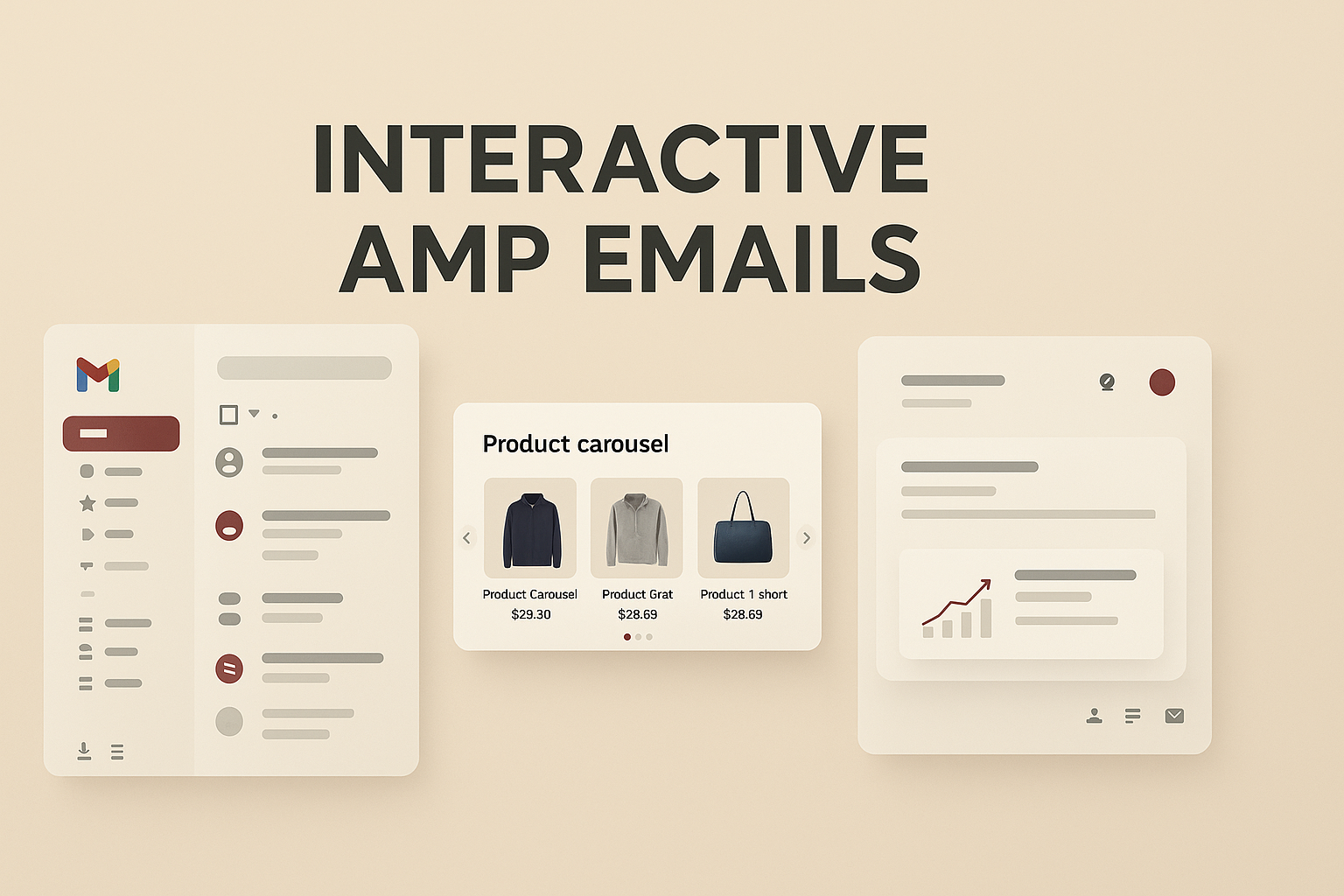
AMP email brings the power of AMP technology to email marketing, enabling emails to include interactive elements like carousels, forms, and lightboxes. Unlike traditional emails, AMP emails allow users to interact with content directly within the email client without needing to open a new browser window. This not only streamlines the user experience but also enhances engagement rates.
Why Use AMP Emails?
1. Increased Engagement: By allowing users to interact with content directly within the email, AMP emails reduce friction and encourage more engagement. 2. Improved Conversion Rates: Interactive elements such as forms and carousels can drive users to take action, increasing conversion rates. 3. Real-time Data: AMP emails can fetch real-time data, ensuring users see the most current information. 4. Enhanced User Experience: With the ability to complete actions within the email, users enjoy a seamless and satisfying experience.
Step-by-Step Guide to Crafting Interactive AMP Emails
Step 1: Define Your Goals
Before diving into the creation process, it's crucial to define what you want to achieve with your AMP email campaign. Are you aiming to increase click-through rates? Drive more sales? Gather user feedback? Clear goals will guide your design and content decisions.
Step 2: Understand Your Audience
Knowing your audience is key to crafting effective emails. Analyze your subscriber data to understand their preferences, behaviors, and pain points. This insight will help you tailor your AMP emails to meet their needs.
Step 3: Choose the Right AMP Elements
AMP emails offer a variety of interactive components. Here are some popular ones:
- AMP Carousel: Ideal for showcasing multiple products or images in a compact space.
- AMP Form: Perfect for collecting information without redirecting users to a new page.
- AMP Lightbox: Useful for emphasizing specific content or promotions.
Select elements that align with your campaign goals and audience preferences.
Step 4: Develop Your AMP Email
Developing an AMP email requires both HTML and AMP components. Here's a basic structure to get started:
```html <!doctype html> <html ⚡4email> <head> <meta charset="utf-8"> <style amp4email-boilerplate>body{visibility:hidden}</style> <script async src="https://cdn.ampproject.org/v0.js"></script> </head> <body> <h1>Welcome to Our Store!</h1> <!-- Add AMP components here --> </body> </html> ```
For a more comprehensive approach, consider using a platform like Taplo that simplifies the creation of interactive emails.
Step 5: Test Your Email
Testing is critical to ensure your AMP email displays correctly across different email clients. Use tools to validate AMP HTML and check compatibility with major email clients like Gmail and Yahoo Mail.
Step 6: Measure and Optimize
After sending your AMP email, measure its performance against your predefined goals. Analyze metrics such as open rates, click-through rates, and conversion rates. Use these insights to optimize future campaigns.
Practical Tips for Success
- Keep it Simple: While AMP allows for rich interactivity, keep your design simple and intuitive to avoid overwhelming users.
- Focus on Mobile: Ensure your AMP emails are mobile-responsive, as a significant portion of users access emails on their phones.
- Use Personalization: Tailor your AMP content to individual user preferences to increase relevance and engagement.
- Ensure Accessibility: Design your AMP emails with accessibility in mind to cater to all users, including those with disabilities.
Use Cases for AMP Emails
E-commerce
E-commerce businesses can benefit immensely from AMP emails. Use AMP carousels to showcase new arrivals or sales directly within the email. Implement AMP forms for seamless checkout experiences, reducing cart abandonment rates.
Event Registration
For event-based businesses, AMP forms can streamline registration processes, allowing users to sign up directly from their inbox.
Surveys and Feedback
Gathering customer feedback is crucial for improving products and services. AMP forms make it easy for users to provide feedback without leaving their email client.
Conclusion
Interactive AMP emails represent the future of email marketing by offering a more engaging and dynamic user experience. By following this step-by-step guide, you can craft compelling AMP email campaigns that not only capture your audience's attention but also drive meaningful engagement and conversions.
Platforms like Taplo can further simplify the process, providing tools to create, test, and deploy interactive emails efficiently. Embrace AMP technology today to stay ahead of the competition and deliver exceptional value to your subscribers.
By leveraging the power of AMP emails, marketers, e-commerce businesses, and developers can transform their email marketing strategies, creating more personalized and effective customer interactions.