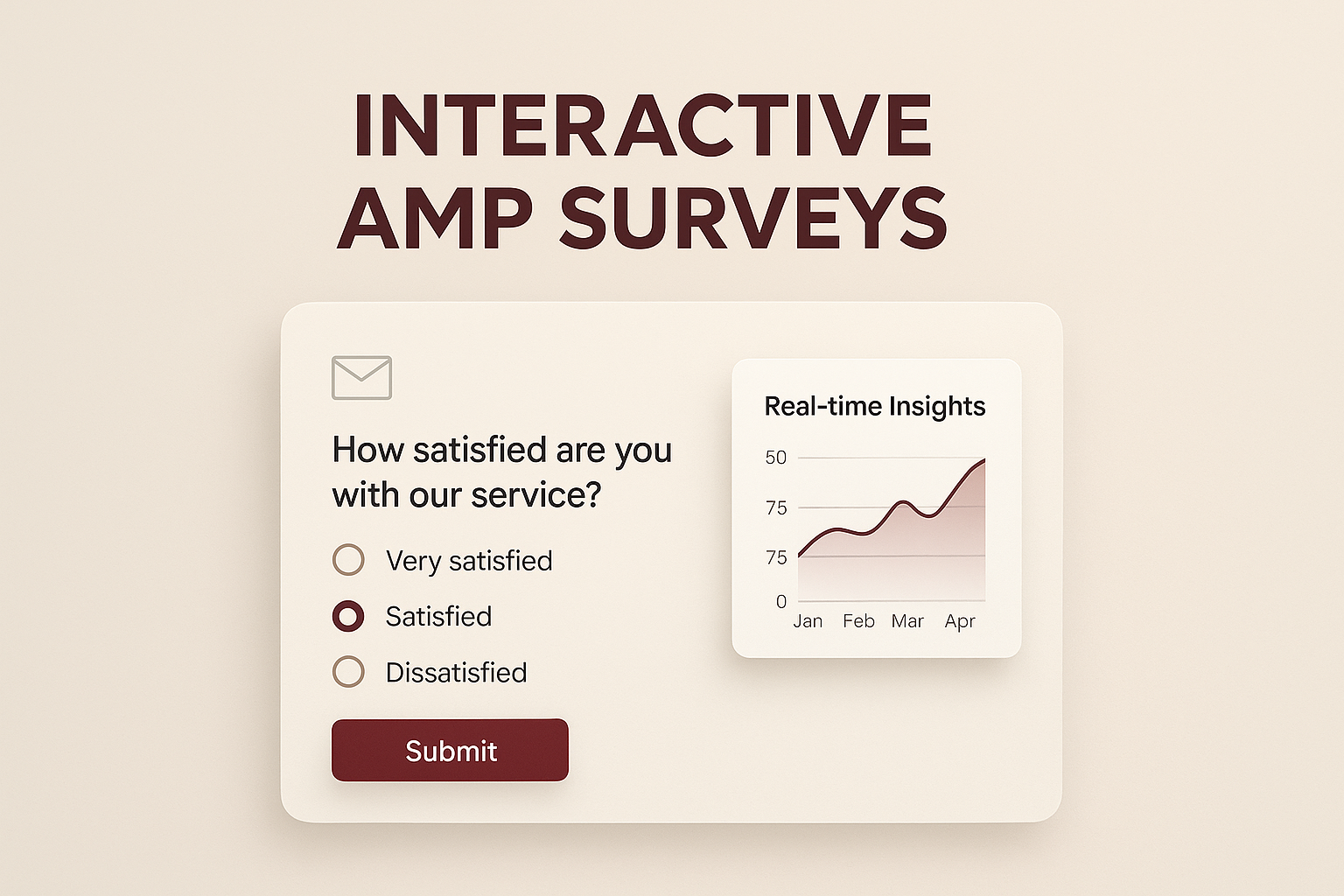
Creating Dynamic Interactive Surveys in AMP Emails: Techniques to Gather Real-Time Insights and Boost Customer Engagement
Tanmay Kejriwal
Co-Founder & CTO
Creating Dynamic Interactive Surveys in AMP Emails: Techniques to Gather Real-Time Insights and Boost Customer Engagement
In the ever-evolving landscape of email marketing, staying ahead of the curve is vital for marketers and developers alike. One of the groundbreaking innovations in this realm is the use of AMP emails, which allow for interactive, dynamic content directly within the inbox. This article delves into the power of creating interactive surveys using AMP emails—a technique that not only boosts customer engagement but also gathers real-time insights.
What are AMP Emails?
AMP (Accelerated Mobile Pages) emails are designed to enhance user interactions by allowing recipients to engage with content without ever leaving their email client. This includes elements like carousels, forms, and surveys that can be filled out and submitted right from the inbox. For email marketers and e-commerce businesses, this means reducing friction and improving response rates.
Why Use Interactive Surveys in AMP Emails?
Interactive surveys embedded within AMP emails offer a unique opportunity to:
- Increase Engagement: By offering interactive elements, recipients are more likely to engage with the content.
- Gather Real-Time Insights: Instant feedback allows businesses to act quickly on customer preferences and sentiments.
- Enhance Customer Experience: Streamlined interactions improve the overall user experience, leading to higher satisfaction and loyalty.
Techniques to Create Dynamic Interactive Surveys
#### 1. Understanding AMP Components
To create interactive surveys, it’s crucial to understand the components of AMP emails:
- AMP HTML: A subset of HTML that allows for dynamic content.
- AMP Components: Prebuilt components like `<amp-form>` that facilitate interactivity.
- AMP Scripts: Lightweight scripts that ensure fast loading and execution.
#### 2. Designing the Survey
Start with a clear goal in mind. Determine what insights you want to gather and design your survey accordingly. Here are some tips:
- Keep it Concise: Long surveys can deter responses. Aim for 3-5 questions.
- Use Multiple Choice Questions: They are easier to answer and analyze.
- Incorporate Conditional Logic: Show or hide questions based on previous answers for a personalized experience.
#### 3. Implementing the Survey with AMP
Here’s a simple example of how to implement a survey using AMP components:
```html <amp-form method="POST" action-xhr="/submit-survey" target="_blank"> <fieldset> <label for="question1">How satisfied are you with our service?</label> <select name="satisfaction" id="question1"> <option value="very-satisfied">Very Satisfied</option> <option value="satisfied">Satisfied</option> <option value="neutral">Neutral</option> <option value="dissatisfied">Dissatisfied</option> <option value="very-dissatisfied">Very Dissatisfied</option> </select> </fieldset> <input type="submit" value="Submit"> </amp-form> ```
Best Practices for AMP Surveys
#### Optimize for Mobile
Given the increasing number of users accessing emails on mobile devices, ensure your AMP emails are mobile-friendly. Use responsive design techniques to make sure surveys are easily viewable and fillable on small screens.
#### Ensure Accessibility
Consider users with disabilities by ensuring text alternatives for non-text content and supporting keyboard navigation. This expands your reach and ensures inclusivity.
#### Leverage Real-Time Data
Use the real-time data gathered from surveys to adjust marketing strategies, product offerings, or customer service approaches. Quick data analysis can lead to timely improvements.
Overcoming Challenges
#### Email Client Compatibility
While AMP is supported by major email clients like Gmail and Yahoo, it’s essential to have fallback content for clients that do not support AMP. Use `<amp-mustache>` to provide alternative content.
#### Security and Privacy
Ensure that your surveys comply with data protection regulations like GDPR. Clearly inform users about data usage and obtain necessary consents.
Tap Into AMP with Taplo
For businesses seeking a robust solution to create interactive emails, Taplo offers a comprehensive platform. It simplifies the creation of AMP emails, providing ready-to-use templates and intuitive tools to design engaging surveys without extensive coding.
Conclusion
Creating dynamic interactive surveys in AMP emails is a transformative approach to boost customer engagement and gather real-time insights. By leveraging AMP’s capabilities, businesses can significantly enhance their email marketing strategies, leading to improved customer satisfaction and business growth. Whether you're an email marketer, an e-commerce business, or a developer, embracing AMP email technology can set you on the path to more effective and engaging communications. Consider integrating solutions like Taplo to streamline this process and stay ahead in the competitive digital landscape.