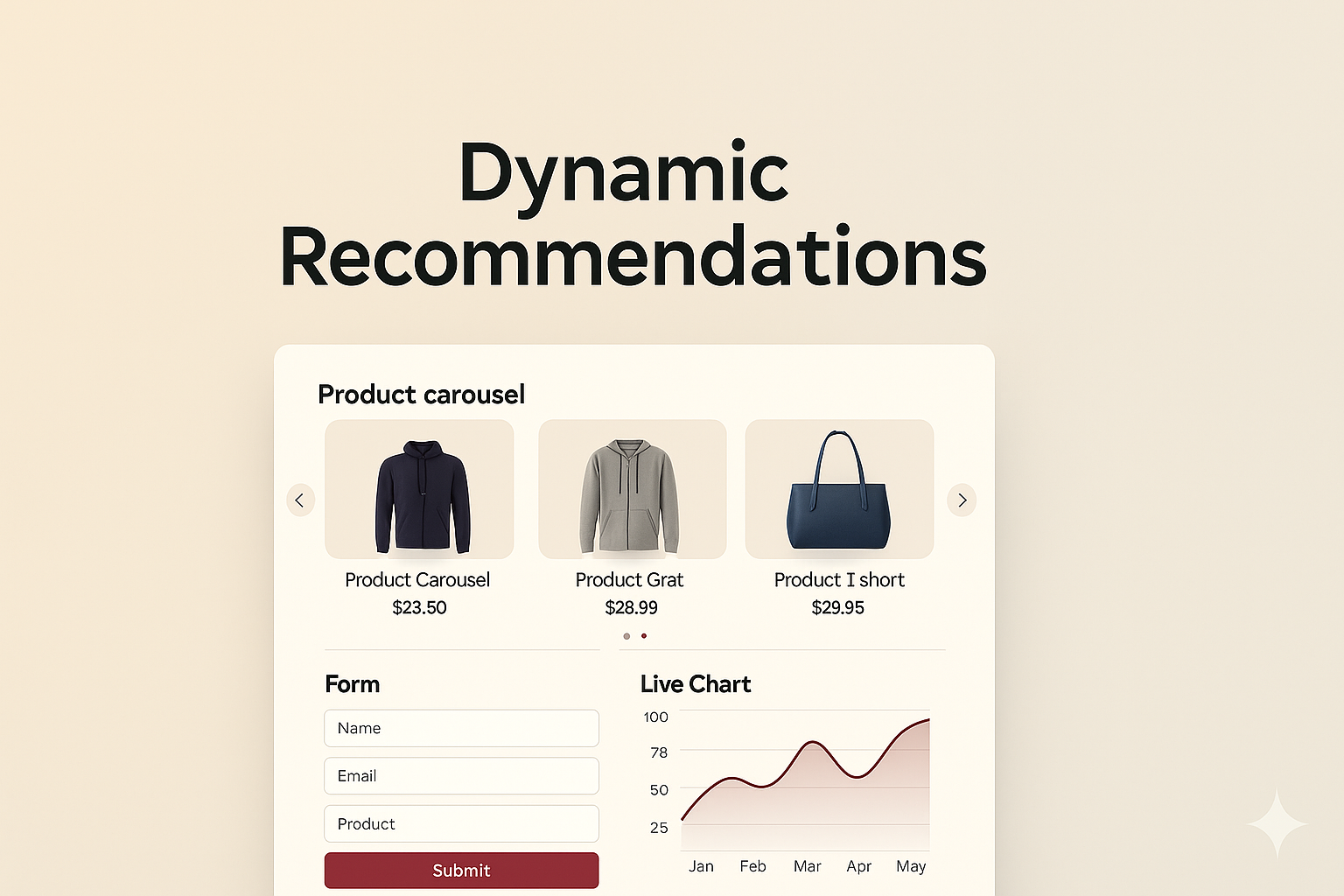
Step-by-Step Guide: Implementing Dynamic Product Recommendations in AMP Emails for Enhanced Personalization
Tanmay Kejriwal
Co-Founder & CTO
# Step-by-Step Guide: Implementing Dynamic Product Recommendations in AMP Emails for Enhanced Personalization
In today's digital landscape, personalization is more than a buzzword; it’s a necessity. As an email marketer or e-commerce business owner, you know that tailoring content to individual preferences can significantly boost engagement and conversions. Enter AMP emails – a revolutionary way to create dynamic, interactive email experiences. In this guide, we'll explore how to implement dynamic product recommendations in AMP emails, enhancing personalization and driving results.
Why AMP Emails for Product Recommendations?
AMP (Accelerated Mobile Pages) technology has transformed static emails into interactive experiences. With AMP emails, recipients can interact directly within the email, offering a seamless experience that mimics a web page. Here’s why AMP emails are perfect for product recommendations:
1. Interactivity: Users can browse through products, add them to cart, or fill out forms without leaving their inbox. 2. Real-Time Updates: Product data can be updated in real-time, ensuring recipients see the latest offers and stock availability. 3. Enhanced Engagement: Interactive content keeps users engaged longer, reducing bounce rates and increasing conversion likelihood.
Step 1: Understanding AMP Email Basics
Before diving into product recommendations, it’s crucial to understand the basics of AMP emails. AMP emails require three MIME parts: HTML, plain text, and the AMP HTML version. Here’s a quick overview:
- HTML Part: The fallback for non-AMP-supporting clients.
- Plain Text Part: Ensures accessibility for screen readers.
- AMP HTML Part: The magic happens here, with interactive elements and dynamic content.
Tools and Resources
To start creating AMP emails, you’ll need:
- AMP for Email documentation: Familiarize yourself with the [official documentation](https://amp.dev/documentation/guides-and-tutorials/start/email/).
- Email service provider (ESP): Ensure your ESP supports AMP. Popular options include Gmail, Yahoo Mail, and Mail.ru.
- AMP Validator: Use the [AMP Validator](https://validator.ampproject.org/) to check your email for errors.
Step 2: Setting Up Dynamic Product Recommendations
Dynamic product recommendations rely on data-driven insights to suggest products that users are likely to purchase. Here’s how to implement them in AMP emails:
1. Data Collection and Analysis
Collect data on user behavior, purchase history, and browsing patterns. Use analytics tools or customer data platforms (CDPs) to gather and segment this data effectively.
2. Recommendation Algorithms
Choose the right algorithm for your recommendations:
- Collaborative Filtering: Ideal for suggesting products based on similar user behaviors.
- Content-Based Filtering: Recommends products similar to those a user has engaged with.
- Hybrid Systems: Combine multiple algorithms for more accurate suggestions.
3. Integrating with AMP
Use AMP components to embed dynamic product recommendations:
- amp-carousel: Showcase multiple products in a slider format.
- amp-list: Fetch and display a list of recommended products dynamically.
- amp-bind: Create interactive elements that respond to user actions.
```html <amp-list width="auto" height="100" layout="fixed-height" src="https://example.com/api/get-products" items="." class="amp-product-list"> <template type="amp-mustache"> <div class="product"> <amp-img src="{{image}}" width="100" height="100" layout="responsive"></amp-img> <p>{{name}}</p> <p>{{price}}</p> </div> </template> </amp-list> ```
Step 3: Designing and Testing Your AMP Email
Designing for Engagement
- Visual Hierarchy: Use clear, engaging visuals to draw attention to recommended products.
- Clear CTAs: Include strong, action-oriented calls to action (CTAs) to guide users.
Testing and Validation
- Cross-Client Testing: Ensure your AMP email renders correctly across different email clients.
- AMP Validator: Use the AMP Validator to check your email for compliance with AMP standards.
Step 4: Deployment and Monitoring
Deploying AMP Emails
- ESP Integration: Ensure your ESP supports AMP, and integrate your AMP emails with their platform.
- Segmented Sending: Start with a small segment to test engagement and gather feedback.
Monitoring Performance
- Analytics: Track metrics such as open rates, click-through rates (CTR), and conversion rates.
- A/B Testing: Experiment with different layouts, CTAs, and product displays to optimize performance.
Practical Tips and Best Practices
1. Personalize Beyond Products: Personalize subject lines and email content to increase open rates. 2. Use Taplo: Leverage tools like Taplo for creating interactive emails easily, saving time and resources. 3. Stay Updated: Keep up with AMP updates and innovations to maintain email effectiveness.
Conclusion
Implementing dynamic product recommendations in AMP emails is a game-changer for email marketers and e-commerce businesses. By leveraging AMP's interactive capabilities, you can deliver a personalized, engaging experience that drives conversions and enhances customer satisfaction. Whether you're a seasoned developer or just getting started, tools like Taplo can simplify the process, allowing you to focus on crafting compelling content.
Start experimenting with AMP emails today and watch your engagement metrics soar. Personalization is the future of email marketing, and with AMP, the future is now.
---
By following this step-by-step guide, you can revolutionize your email marketing strategy with AMP-powered dynamic product recommendations, ensuring your emails stand out and deliver results.