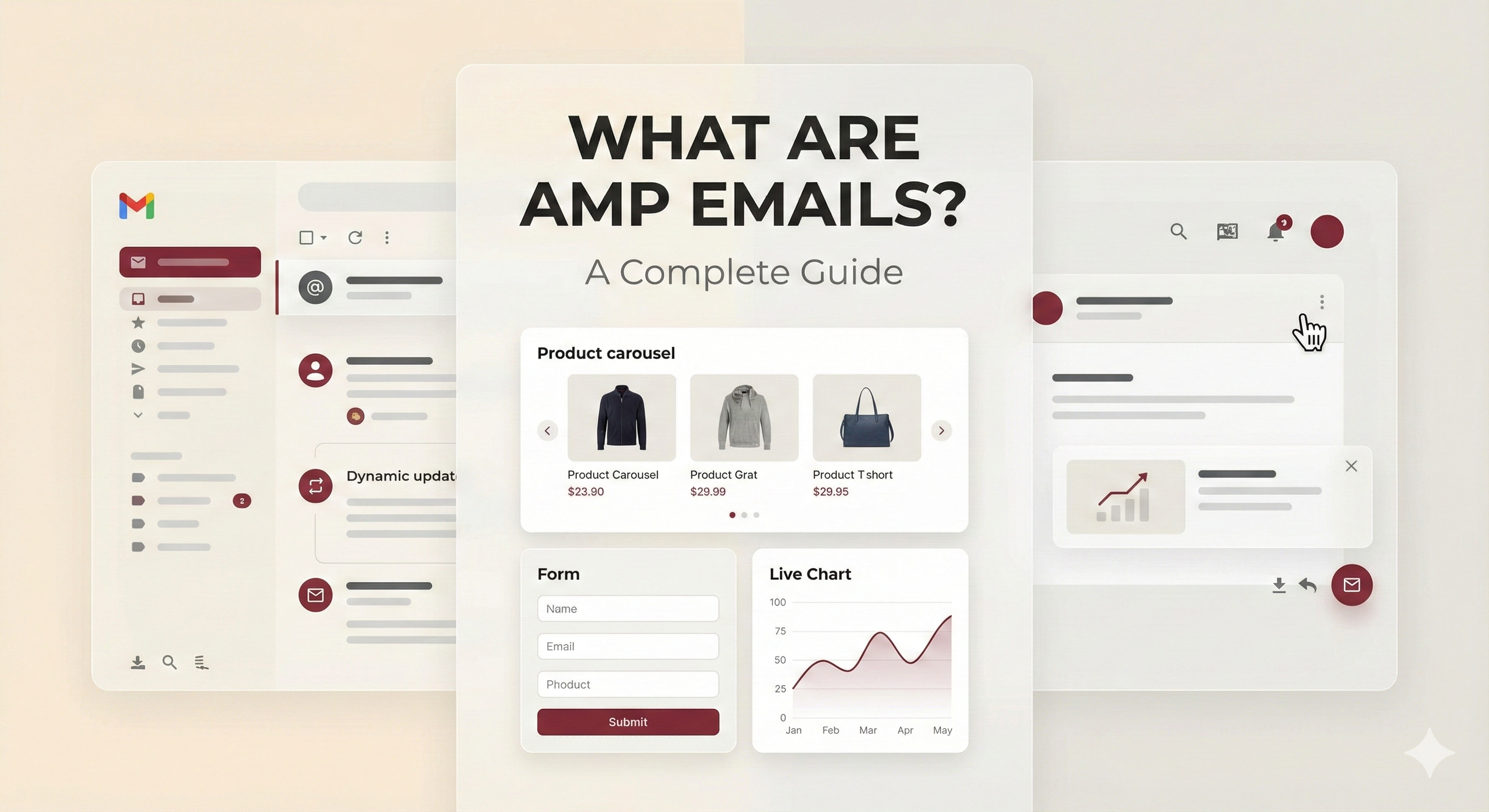
What Are AMP Emails? A Complete Guide
Tanmay Kejriwal
Co-Founder & CTO
If you've heard about interactive emails that let users add items to cart, submit forms, or browse products without leaving their inbox, you've likely encountered AMP emails. But what exactly are they, and how do they work?
What Are AMP Emails?
AMP (Accelerated Mobile Pages) for Email is a technology that extends the AMP framework to email clients, allowing you to create emails with dynamic, interactive content that works directly within the email itself. Unlike traditional static emails, AMP emails can update content, handle user interactions, and provide real-time data—all without requiring users to click through to a website.
Think of AMP emails as bringing web app functionality into your inbox. Instead of a static image or text that links to your website, you can create fully interactive experiences that engage users right where they are.
How AMP Emails Work
AMP emails use a special MIME type (`text/x-amp-html`) that email clients recognize. When an email is sent, it typically includes three versions:
1. AMP Version: The interactive, dynamic content 2. HTML Version: A fallback for email clients that don't support AMP 3. Plain Text Version: For maximum compatibility and accessibility
Email clients that support AMP (like Gmail, Outlook, and Yahoo Mail) will render the interactive version, while others will show the HTML fallback.
Key Features of AMP Emails
Interactive Components
AMP emails support a variety of interactive components:
- Forms: Collect information, run surveys, or gather feedback
- Product Carousels: Browse multiple products with swipe gestures
- Add to Cart: Add products directly to shopping carts
- Live Content: Display real-time data like inventory counts or prices
- Accordions: Expandable sections for organizing content
- Image Galleries: Browse through multiple images
Dynamic Content Updates
One of the most powerful features is the ability to update content after the email is sent. For example:
- Live Inventory: Show real-time stock levels
- Dynamic Pricing: Display current prices that update automatically
- Personalized Recommendations: Show products based on user behavior
- Countdown Timers: Create urgency with live timers
User Interactions
Users can interact with AMP emails in ways that were previously impossible:
- Submit forms without leaving the email
- Add items to cart and see cart updates in real-time
- Browse product catalogs with swipe gestures
- Leave reviews and ratings directly in the email
- Update preferences and settings
Supported Email Clients
AMP emails are supported by major email providers:
- Gmail: Full support on desktop, web, and mobile
- Outlook.com: Support on web and mobile
- Yahoo Mail: Full support
- Mail.ru: Supported
- FairEmail: Android email client with support
It's important to note that not all email clients support AMP yet, which is why providing HTML and plain text fallbacks is essential.
Benefits of AMP Emails
For Marketers
- Higher Engagement: Interactive content keeps users engaged longer
- Better Conversion Rates: Reduce friction by eliminating extra clicks
- Real-Time Analytics: Track interactions and engagement in real-time
- Improved ROI: Higher conversion rates mean better return on investment
For Users
- Faster Actions: Complete tasks without navigating away
- Better Experience: Smooth, app-like interactions
- Mobile-Friendly: Optimized for mobile devices
- No Extra Clicks: Everything happens in one place
Common Use Cases
E-Commerce
- Abandoned Cart Recovery: Let customers add items to cart directly from the email
- Product Recommendations: Browse and purchase recommended products
- Flash Sales: Show live inventory and countdown timers
- Order Updates: Track shipments and update delivery preferences
Lead Generation
- Newsletter Signups: Collect email addresses with inline forms
- Event Registrations: Register for events without leaving the email
- Survey Collection: Gather feedback and opinions
- Content Downloads: Download resources directly from the email
Customer Engagement
- Review Collection: Make it easy for customers to leave reviews
- Feedback Forms: Collect customer satisfaction data
- Preference Updates: Let users update their preferences
- Social Sharing: Share content directly from the email
Technical Requirements
To send AMP emails, you need:
1. AMP Email Support: Your email service provider must support AMP 2. Proper MIME Structure: Emails must include AMP, HTML, and plain text versions 3. Validation: AMP emails must pass validation before sending 4. HTTPS: All external resources must be served over HTTPS 5. CORS Configuration: Proper CORS headers for data fetching
Best Practices
Always Provide Fallbacks
Not all email clients support AMP. Always include:
- HTML version for non-AMP clients
- Plain text version for accessibility
Keep It Simple
While AMP emails can be complex, simplicity often wins:
- Focus on one primary action per email
- Don't overload with too many interactive elements
- Test on multiple devices and clients
Optimize for Performance
- Minimize data fetching
- Cache responses when possible
- Compress images and assets
- Use efficient AMP components
Security First
- Validate all user inputs
- Use HTTPS for all external requests
- Implement proper CORS policies
- Sanitize data before display
Getting Started with AMP Emails
1. Choose a Platform: Select an email service provider that supports AMP for Email 2. Learn the Basics: Familiarize yourself with AMP email components 3. Start Simple: Create your first interactive widget 4. Test Thoroughly: Test across different email clients and devices 5. Monitor and Iterate: Track engagement and improve based on data
The Future of Email
AMP emails represent a significant shift in how we think about email marketing. As more email clients adopt AMP support, interactive emails will become the standard rather than the exception. Brands that embrace this technology now will have a competitive advantage in engagement and conversion rates.
The ability to create app-like experiences directly in the inbox opens up endless possibilities for marketers and provides a better experience for users. Whether you're looking to increase sales, collect feedback, or engage your audience, AMP emails offer a powerful way to achieve your goals.
Conclusion
AMP emails are transforming email marketing from a static communication channel into an interactive, dynamic platform. By enabling users to complete actions directly in their inbox, they reduce friction, increase engagement, and drive better results.
If you're looking to take your email marketing to the next level, AMP emails are the way forward. Start with simple interactive elements and gradually expand as you see the results. The future of email is interactive, and it's here now.